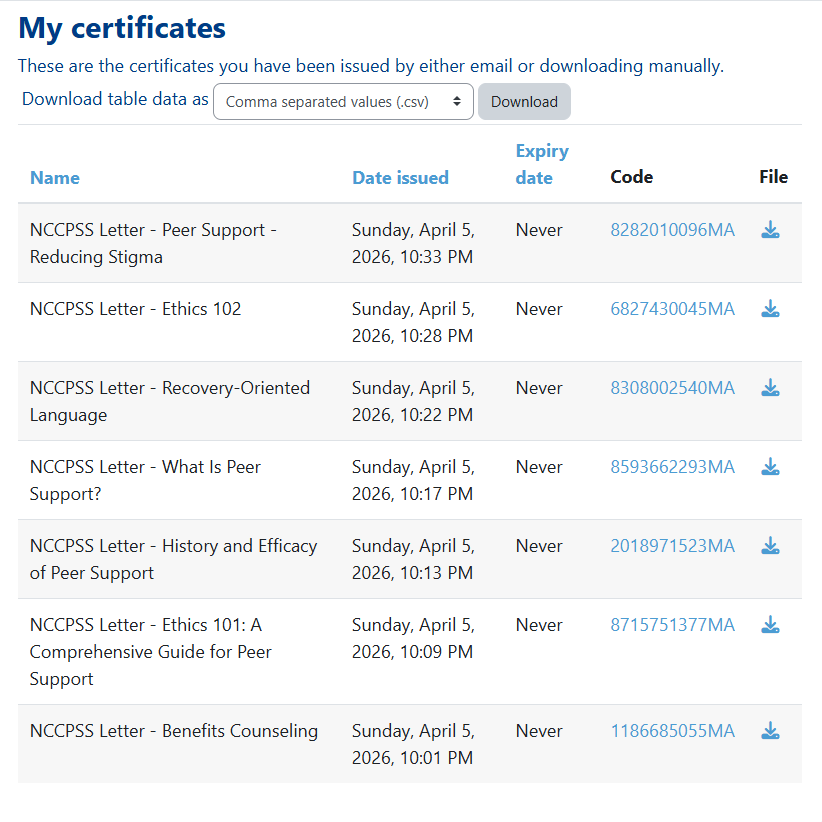
Our Learning Management System has a dedicated page to list out your completed certificates.
To access it, first click "My Account" on the home page.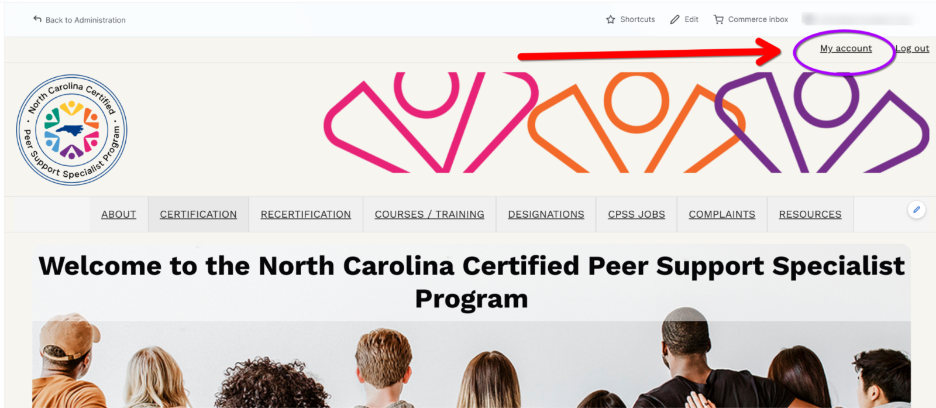
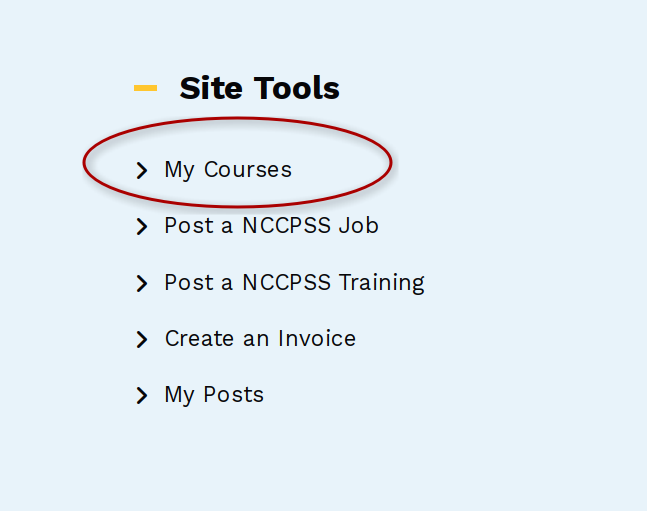
On the next page, select "My Courses" in the site tools. This will take you to our learning management system's homepage.
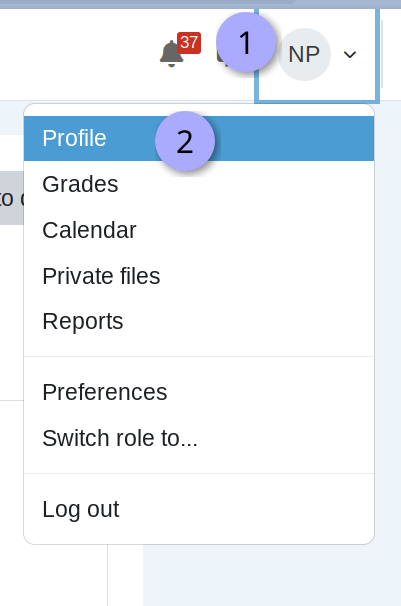
From the Learning Management System's home page, click on the user icon, usually in the top right-hand corner, and select "Profile."
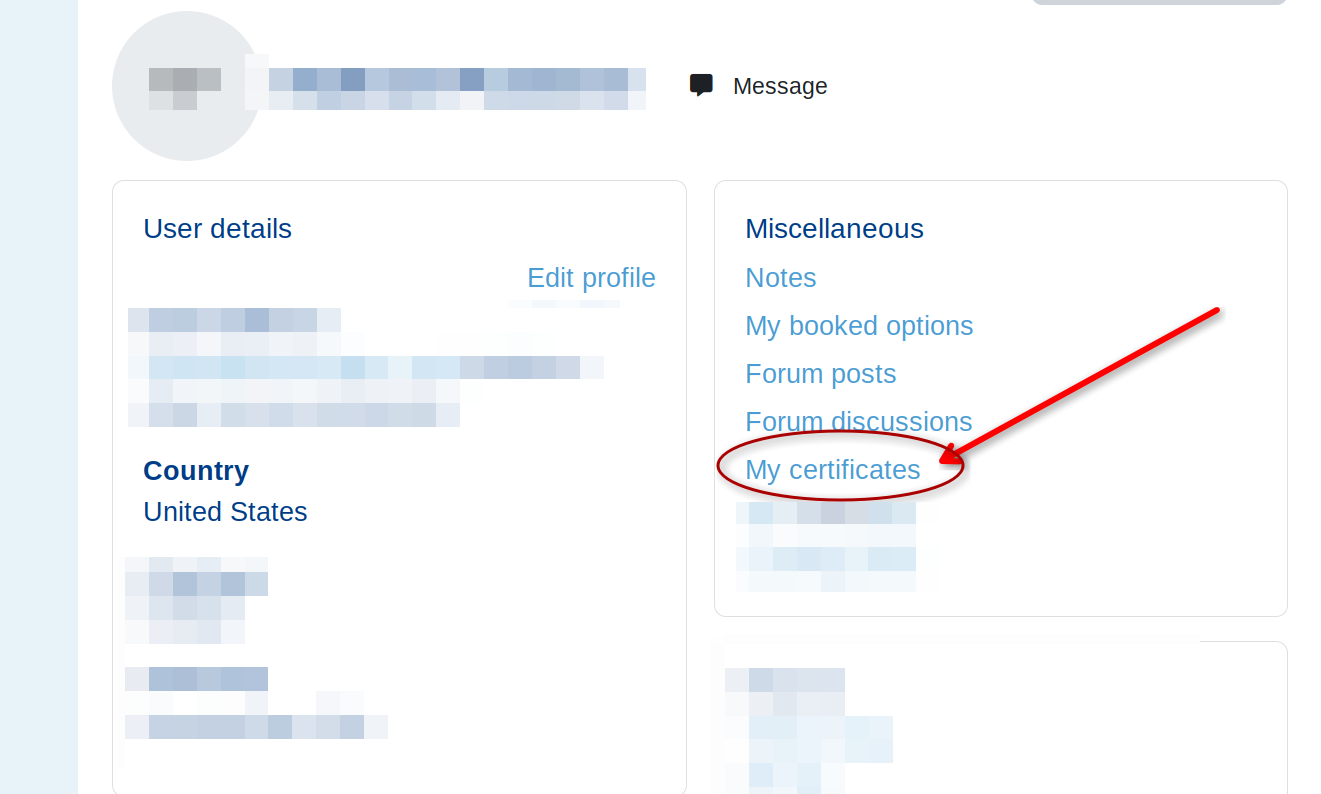
On the profile page, choose the "My Certificates" link.
The following page will present you with a list and links to all downloadable certificates.
Was this article helpful?
That’s Great!
Thank you for your feedback
Sorry! We couldn't be helpful
Thank you for your feedback
Feedback sent
We appreciate your effort and will try to fix the article