The Edit Your Application Page
Head to the application edit page. If you are unsure how to access this page, instructions are provided at the following Help Desk article.
Locating the Certificate Upload Section
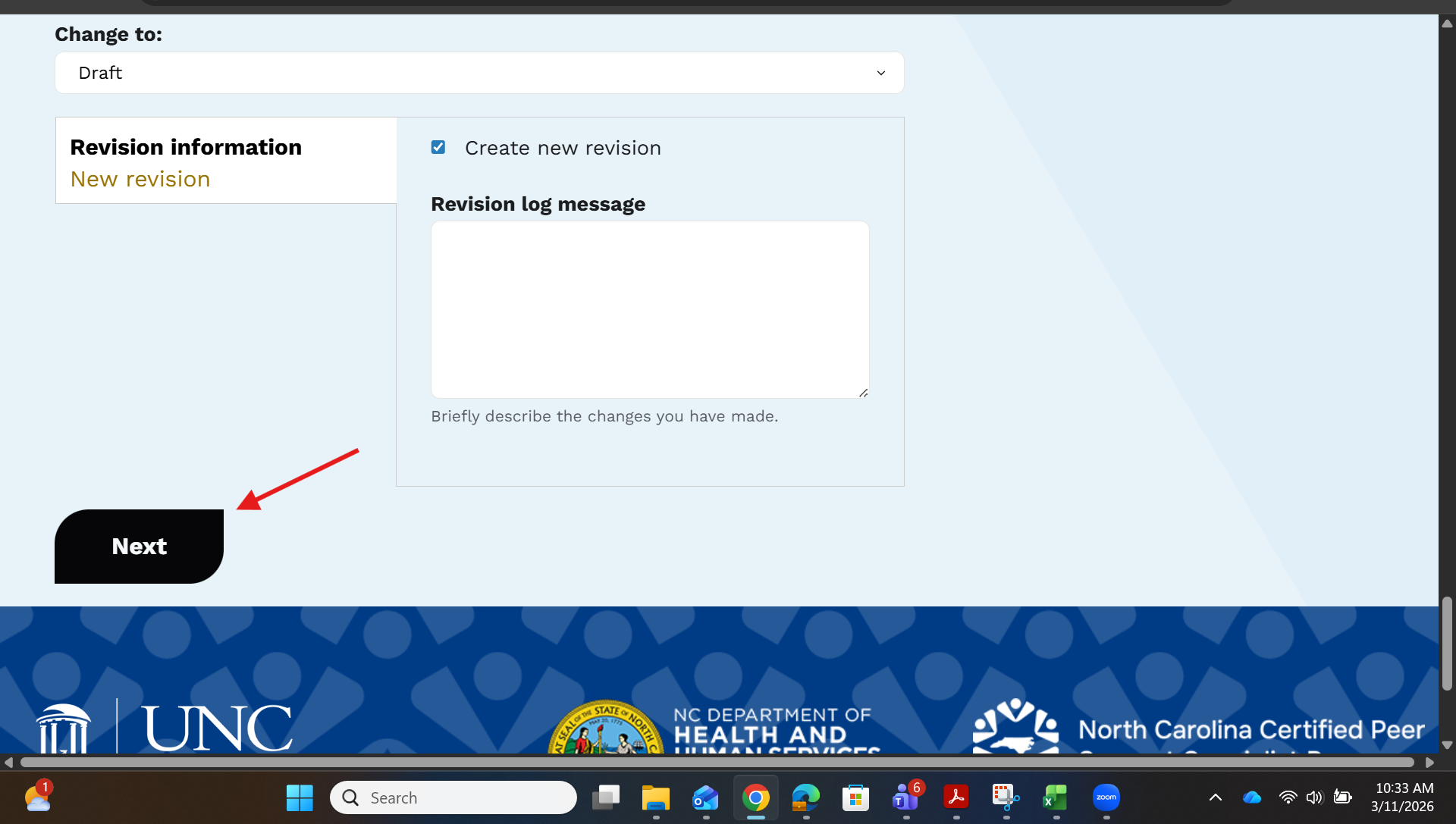
When you log on and click Edit, scroll all the way down and click, Next.
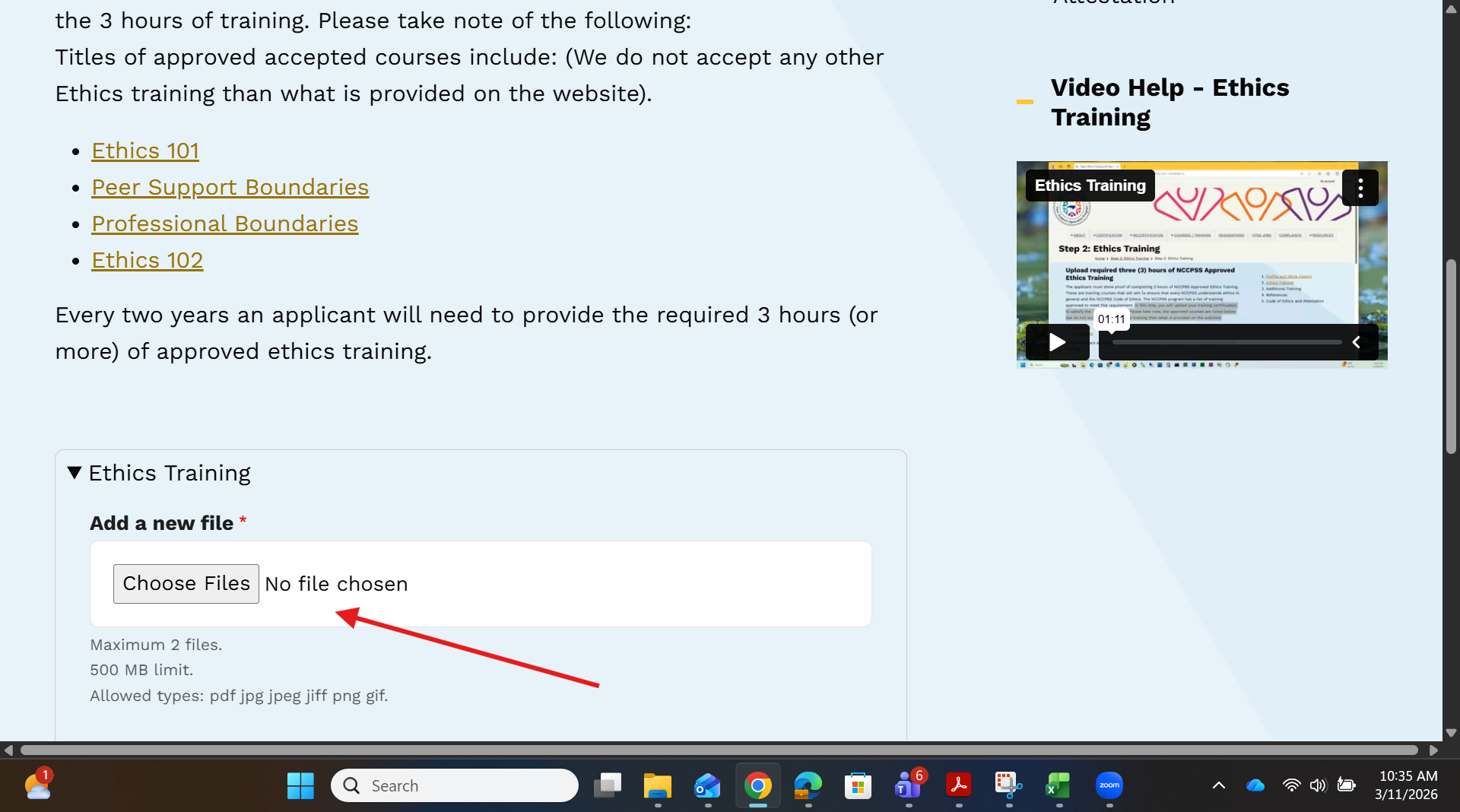
On the next page, the system will prompt you to upload your training certificates.
Was this article helpful?
That’s Great!
Thank you for your feedback
Sorry! We couldn't be helpful
Thank you for your feedback
Feedback sent
We appreciate your effort and will try to fix the article